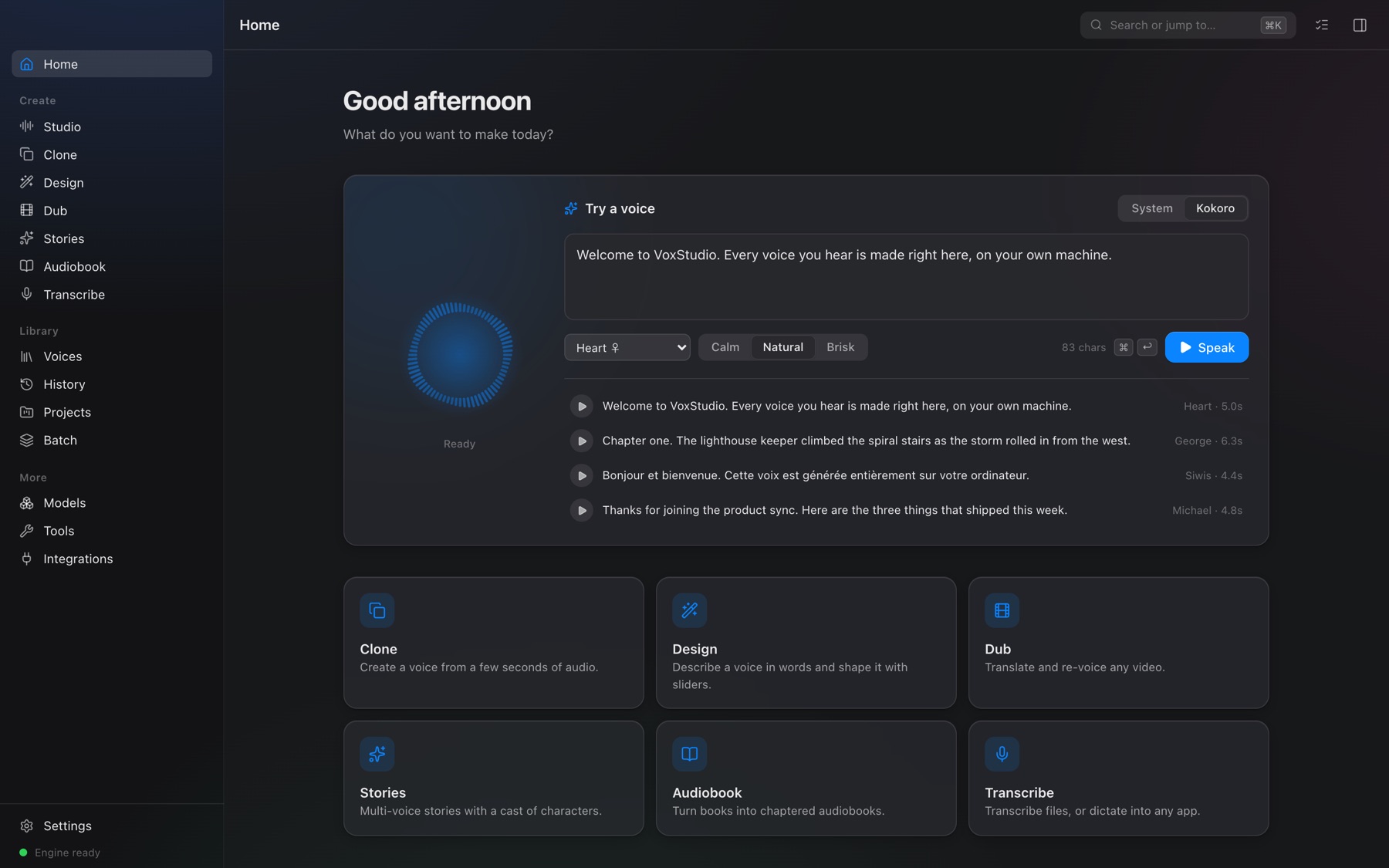
Everything you need to work with voice.
Eight tools in one app, designed like the Mac apps you already love — and every one of them runs on your own computer.
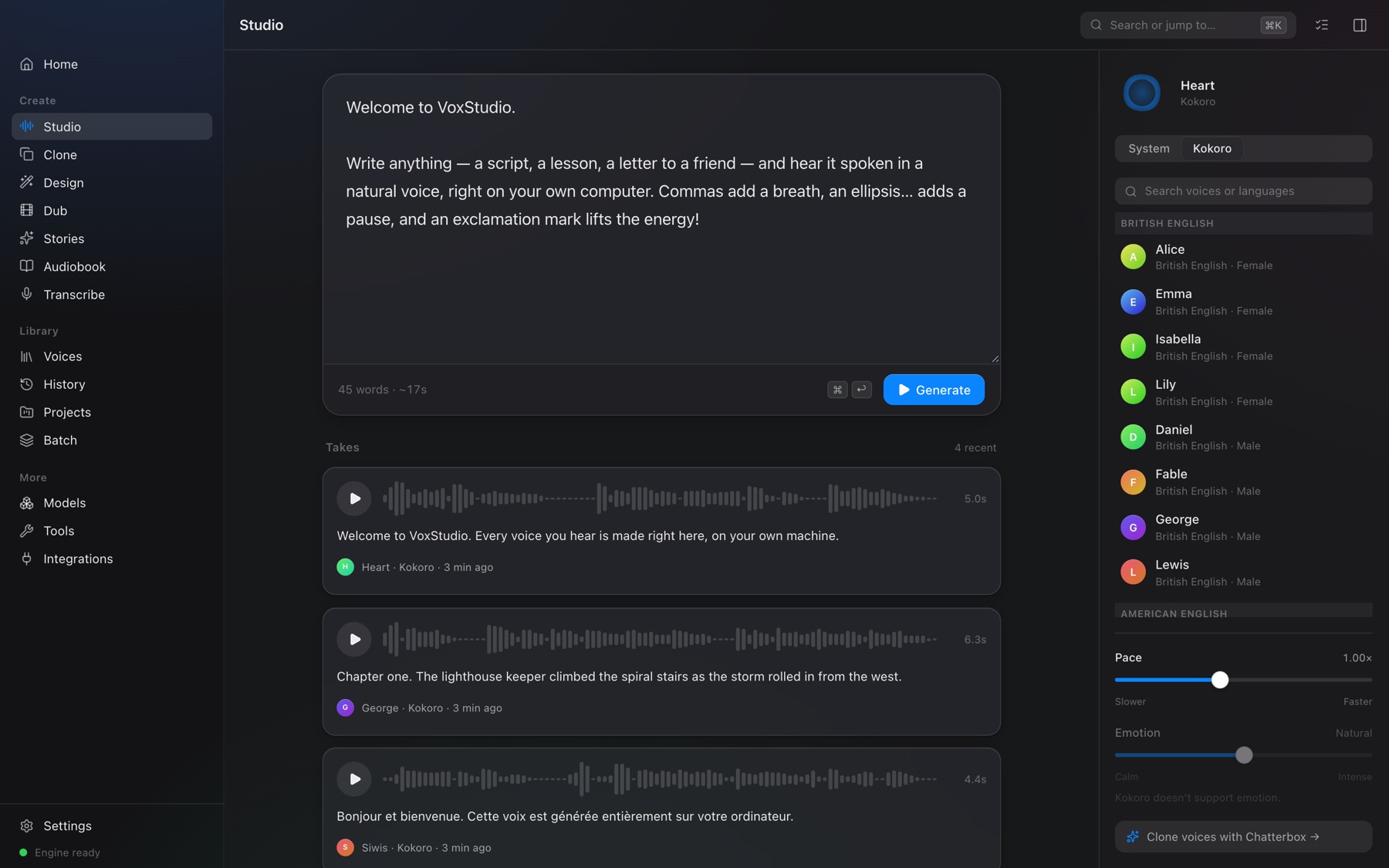
Write it. Hear it. Keep the best take.
A calm editor for scripts of any length, with a voice panel on the side. Shape delivery with pace and emotion, then compare takes on real waveforms.
- 54 natural voices in nine languages
- Long scripts render in the background
- Star, save and export any take
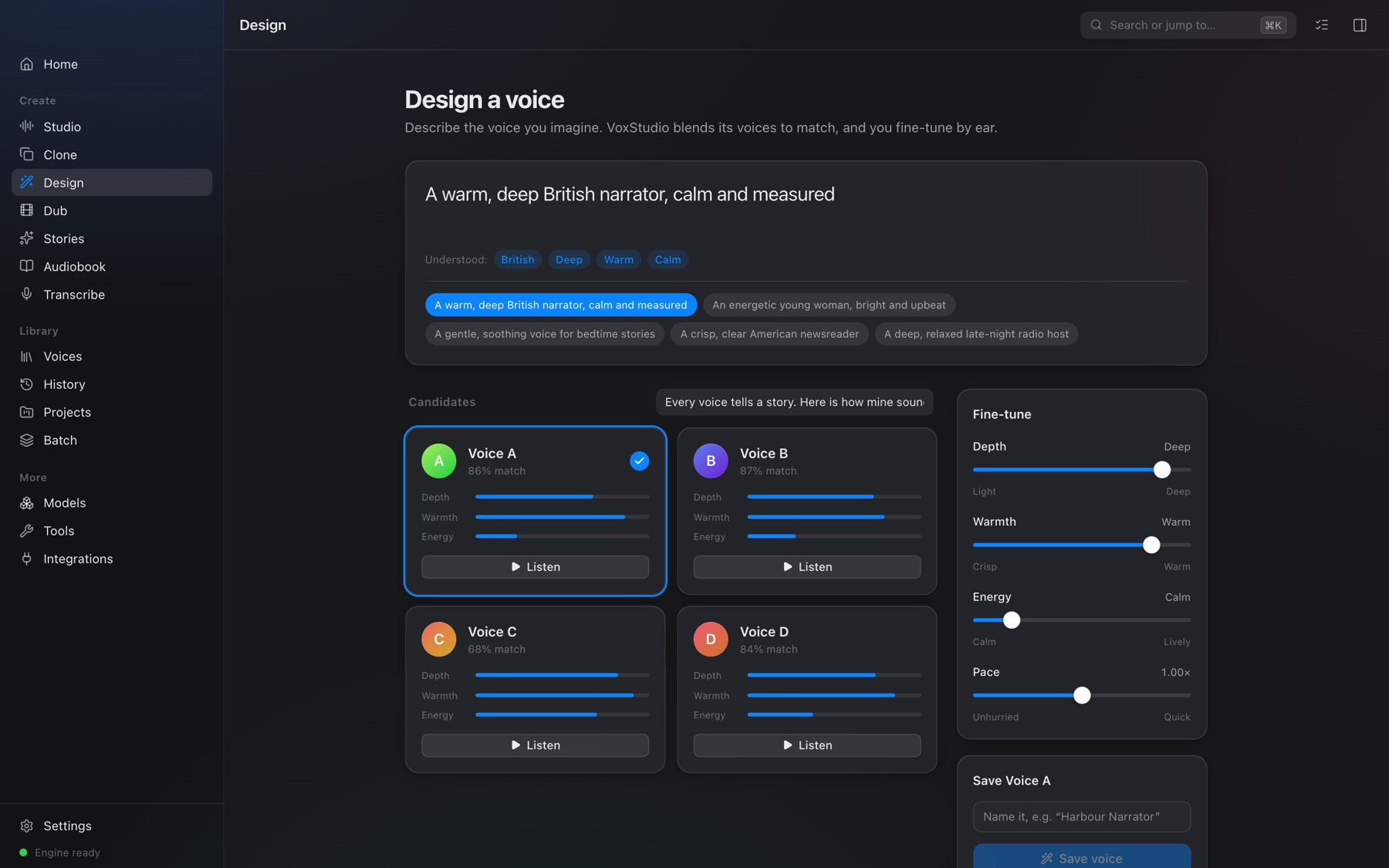
A voice from ten seconds — or from a sentence.
Record or upload a short sample and VoxStudio speaks in that voice, with a dial for emotion. Or simply describe one — “a warm, deep British narrator” — and pick from four new voices made to match.
- Consent is recorded with every cloned voice
- Cloned audio carries an inaudible AI watermark
- Share voices as portable
.voxvoicefiles
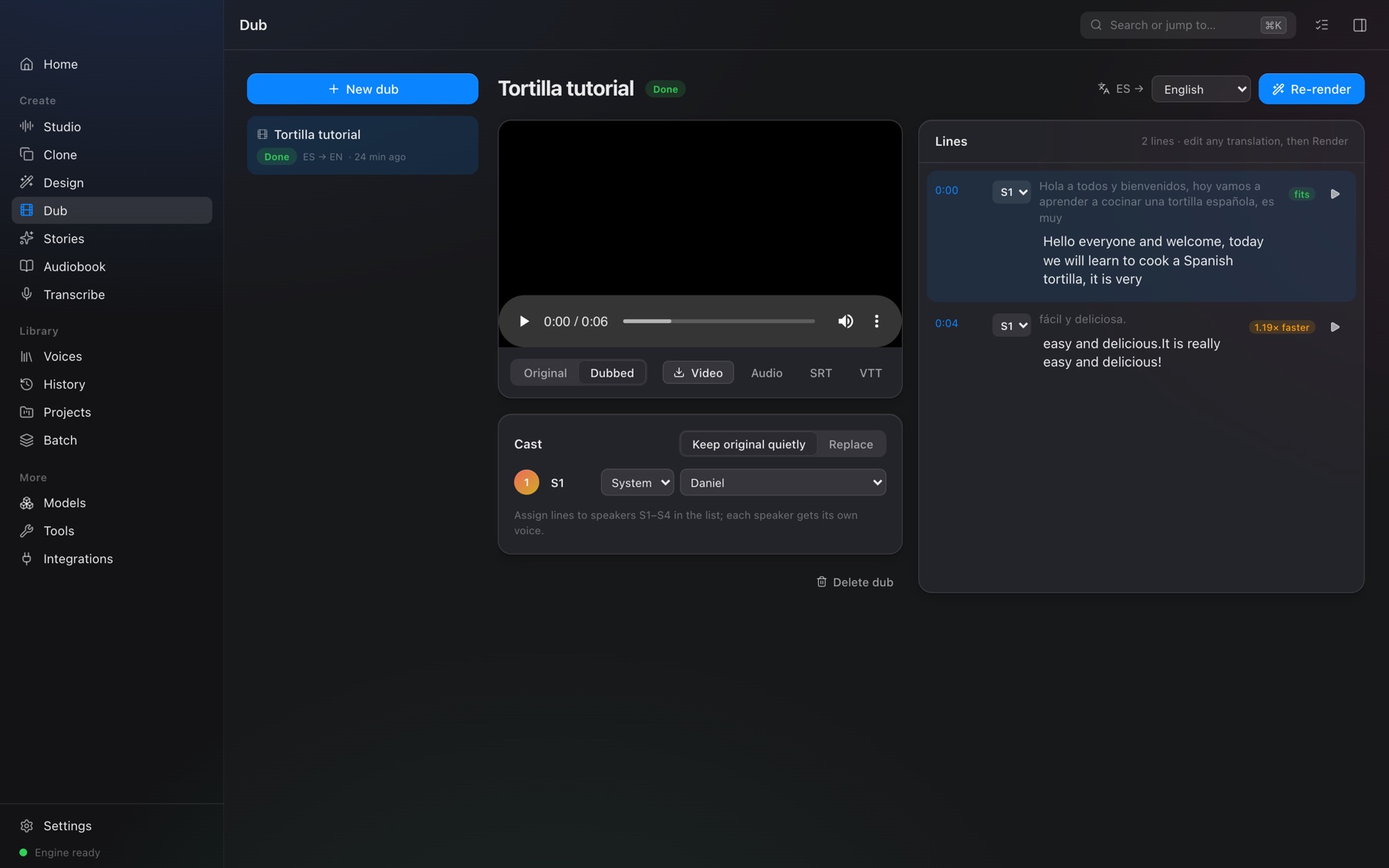
Your video, in another language.
Drop in a video. VoxStudio transcribes it, translates every line offline, and re-voices it in time with the picture — then writes a new MP4 with the original video untouched.
- English, Spanish, French, German, Italian, Portuguese, Hindi, Japanese, Chinese
- A voice per speaker, lines you can edit and preview
- Subtitles in SRT and VTT
Books that read themselves.
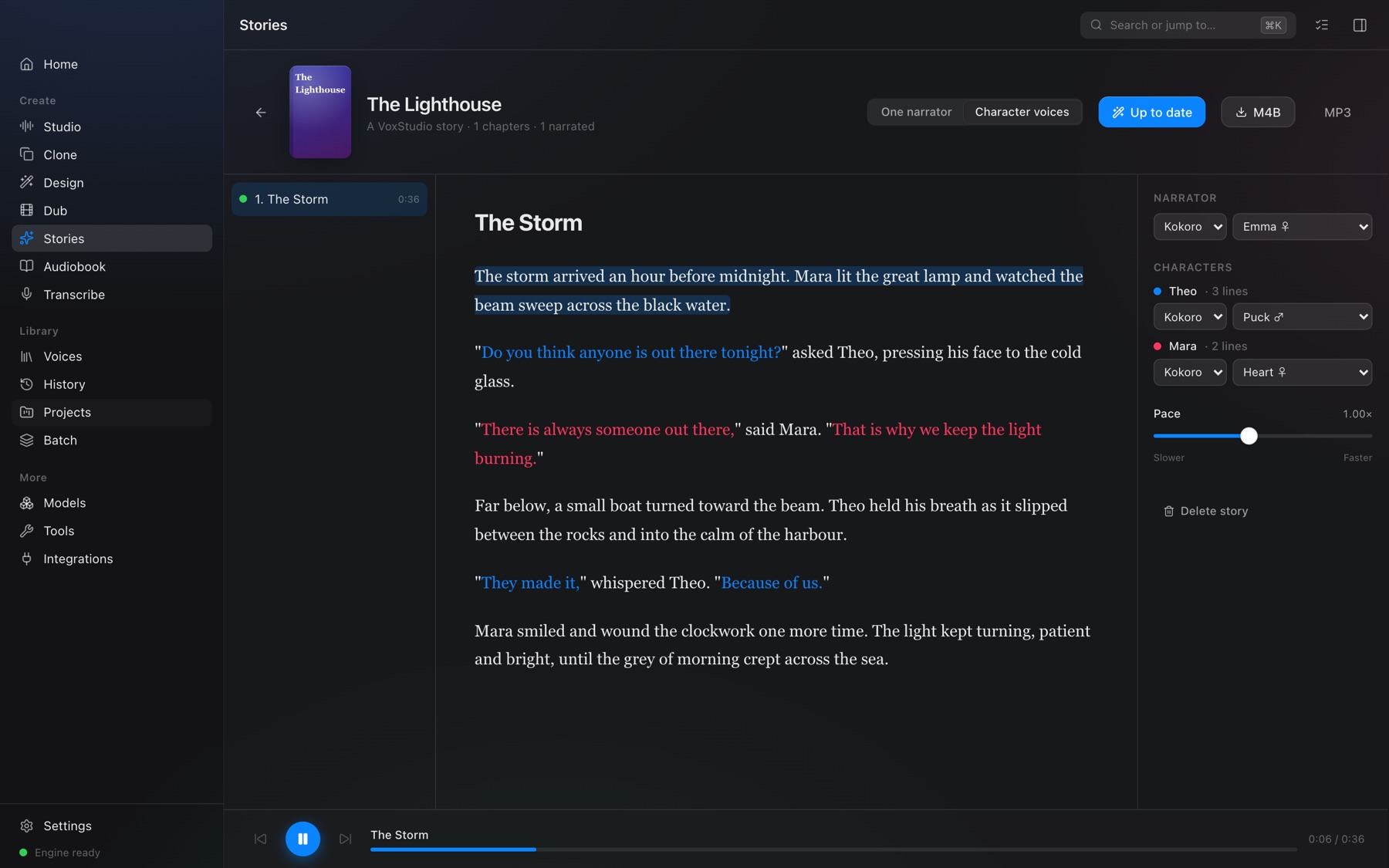
Import an EPUB, Word document or text file. Give the narrator a voice and every character their own. Follow along as each sentence lights up — then export an M4B with chapters.
- Chapters and dialogue found automatically
- Resumes where it stopped
- M4B for Apple Books, or MP3
Type with your voice. Anywhere.
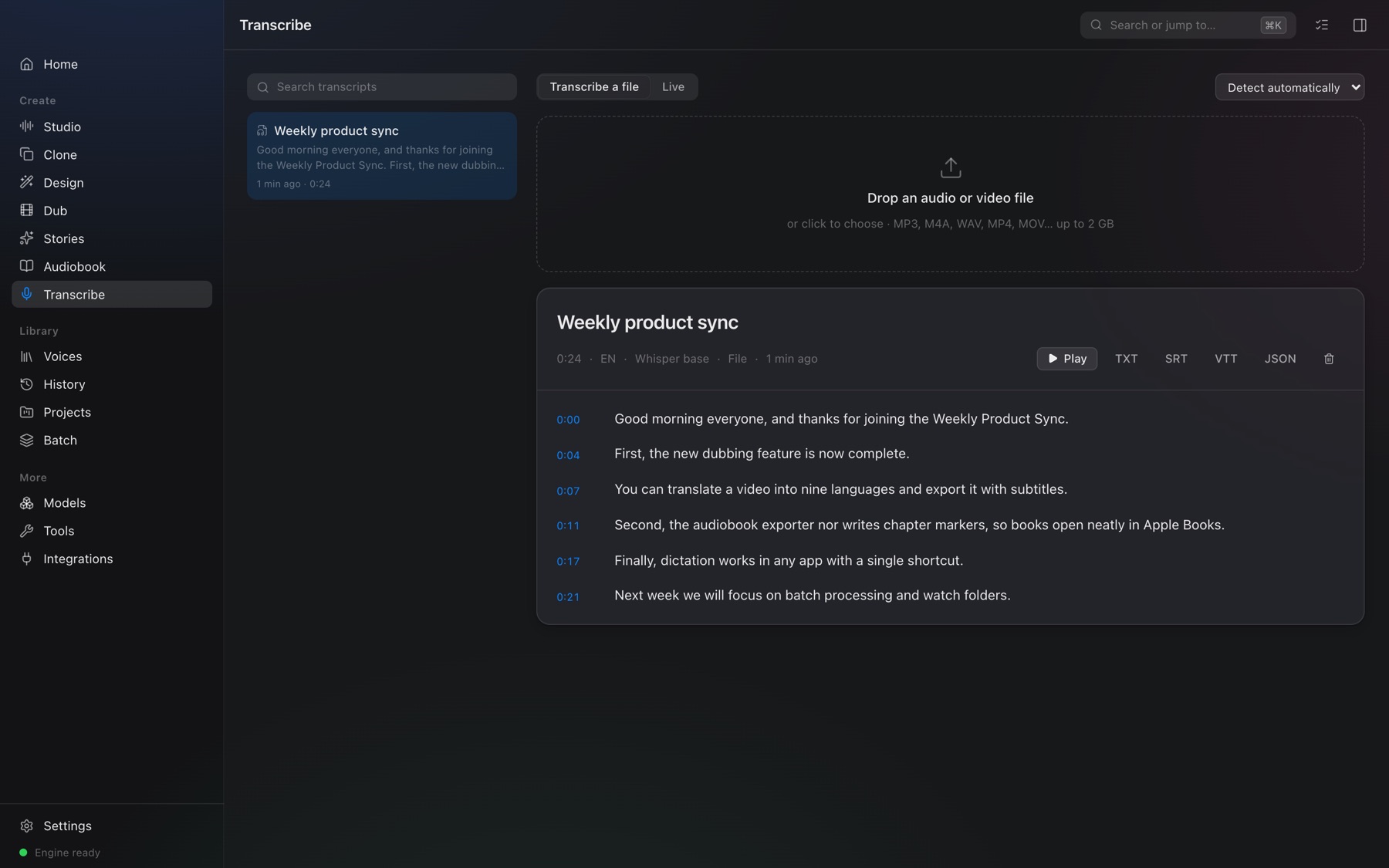
Press ⇧⌘Space in any app and a small glass pill starts listening. Stop talking and your words appear where your cursor is. Transcribe meetings and videos too, with timestamps and subtitles.
- Whisper speech recognition, ~99 languages
- Live text as you speak
- Your clipboard is left as you had it
Private by design.
VoxStudio never uploads what you type, record or import. Models download once and then work offline.
Nothing leaves your Mac
Speech, cloning, translation and transcription all run locally. There’s no account to create.
Works offline
Once a model is downloaded, you can unplug from the internet and keep working.
Verified downloads
Every model file is pinned and checked against a known SHA-256 fingerprint before it’s used.
No credits, no limits
Generate as much as you like. Your computer, your voices.
Consent built in
Cloning asks for, and keeps, a consent record. Cloned speech carries an inaudible watermark.
Open source
VoxStudio is Apache-2.0. Every model it uses is openly licensed, and credited in the app.
Built on open models.
Pick what you need; each model is a one-time download. VoxStudio tells you how well each will run on your computer.
| Model | What it does | Size | License |
|---|---|---|---|
| Kokoro | 54 natural voices, 9 languages | 354 MB | Apache-2.0 |
| Chatterbox | Voice cloning with emotion control | 3.2 GB | MIT |
| Whisper Base · Small · Large v3 Turbo | Transcription and dictation | 145 MB – 1.6 GB | MIT |
| Argos Translate | Offline translation for dubbing | 65 – 150 MB per pair | MIT / CC0 |
| System voices | Instant speech, no download | — | Built in |
Designed for Apple silicon Macs. Voice cloning uses the Apple GPU when it’s available.
Everything in the app is an API.
VoxStudio’s engine, voxd, is a local HTTP API with jobs, progress streams and live events. Generate speech, clone voices, transcribe files or stream dictation from your own scripts.
# Speak with any voice
curl -X POST http://127.0.0.1:4870/v1/speech \
  -H "Authorization: Bearer $TOKEN" \
  -d '{"text": "Hello from VoxStudio!", "voice": "af_heart"}'

# Transcribe live over a WebSocket
ws://127.0.0.1:4870/v1/transcribe/live